For companies that work at their customers’ sites
You schedule people, they do the work on site, and afterwards you invoice. That is what Klantura is built for, for cleaning, window cleaning, maintenance, garden care and car washing.
Try it free until 1 March 2027 with Essential. You can sign up until 1 March 2027.

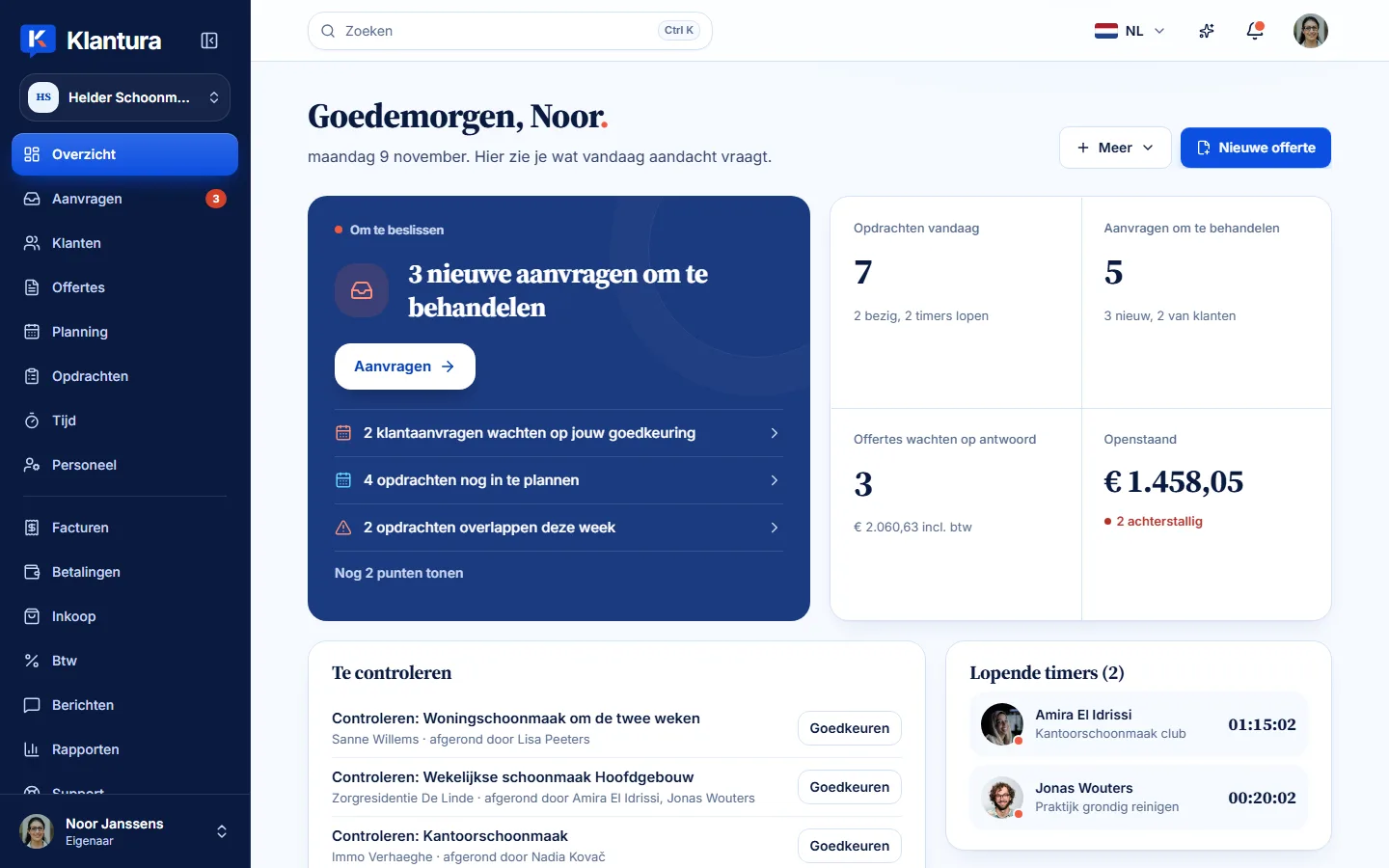
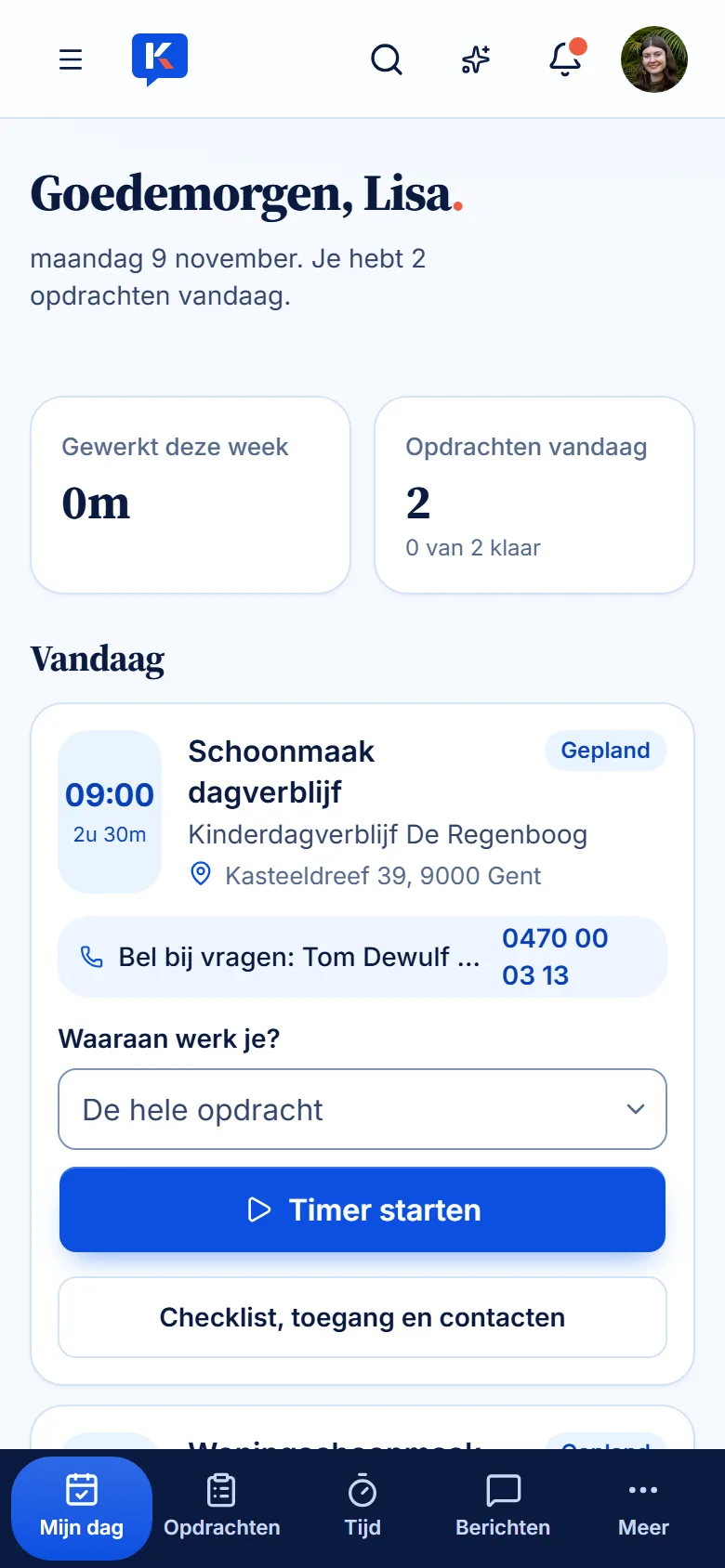
Pick your trade
Six entrances, each with a working day in that trade, the features that go with it and what is not there yet. Cleaning comes first, with holiday homes as a specialisation.
- Cleaning companies Offices, homes and communal areas: quotes, crews, access and invoices in one workspace.
- Specialisation within cleaningHoliday home cleaning Changeovers between check-out and check-in: short jobs, access per property and photos as proof.
- Window cleaners Regular rounds and many addresses: visits eight weeks ahead, access per address, photos and subscriptions.
- Maintenance and caretaker companies Periodic maintenance, small repairs and caretaker services at several sites, with access, photos and parts.
- Garden and grounds maintenance Recurring garden and grounds maintenance and landscaping: visits per crew, quotes per m² and down payment invoices.
- Car washers Mobile washes, detailing and regular washes for company vehicles: fixed prices per service, photos and invoices.
Your sector is not listed? Let us know.
How your work runs
Whatever your trade, three ways of working come up most often. If you recognise yours, you know which parts of Klantura you will use the most.
Companies with recurring visits
Recurring visits, a regular crew and changing sites
Regular customers you visit every week or every two weeks, with a regular crew and changing sites: think of cleaning, maintenance or garden work.
30 secan access code stays visible, then it is hidden again
- Recurring jobs. A visit that comes back every week or every two weeks, you set up just once for the next eight weeks.
- Access per building. Gate codes and key boxes stay hidden and every view goes in the log.
- Checklist per visit. Your crew ticks off tasks and reports a deviation if something did not work out.

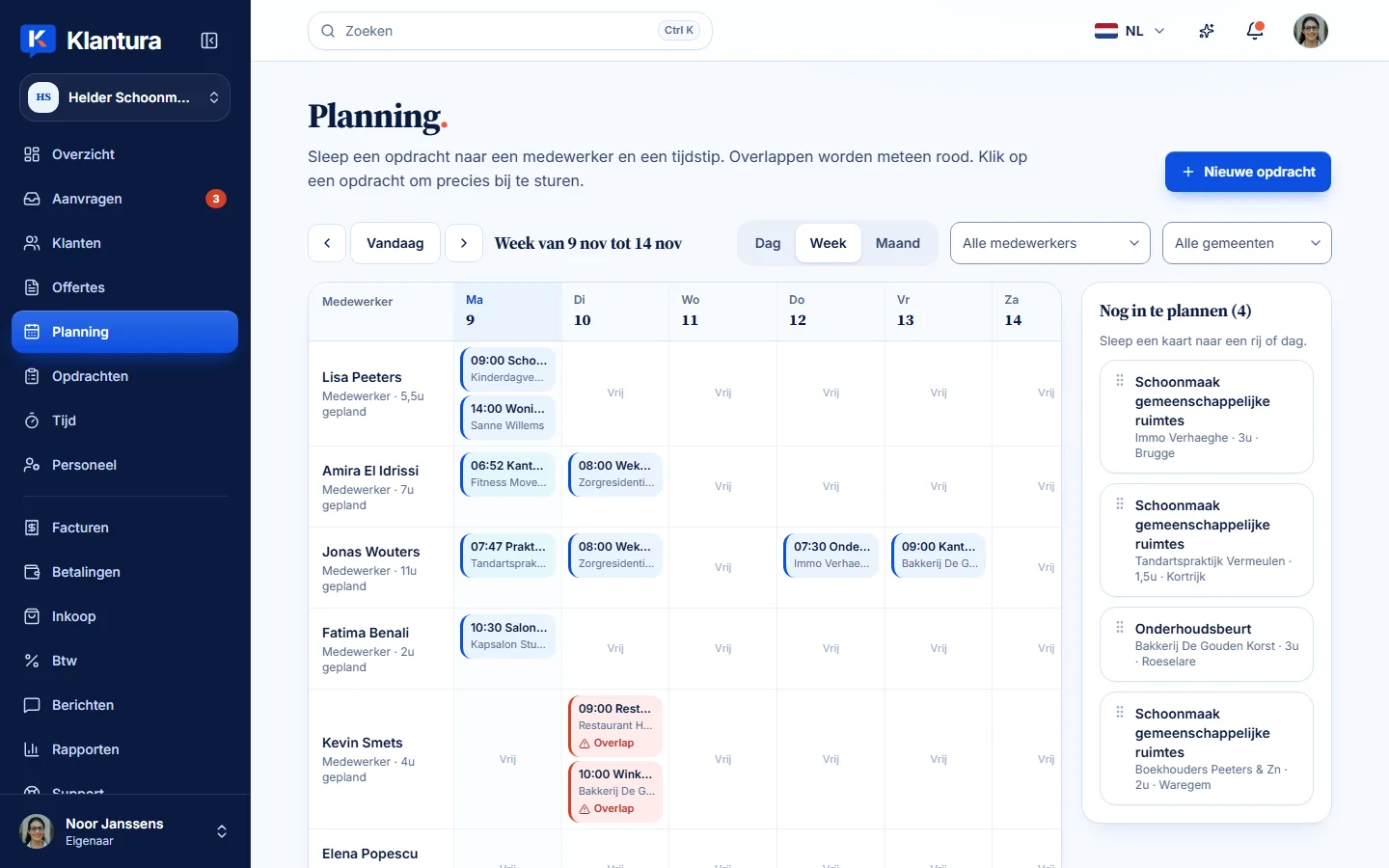
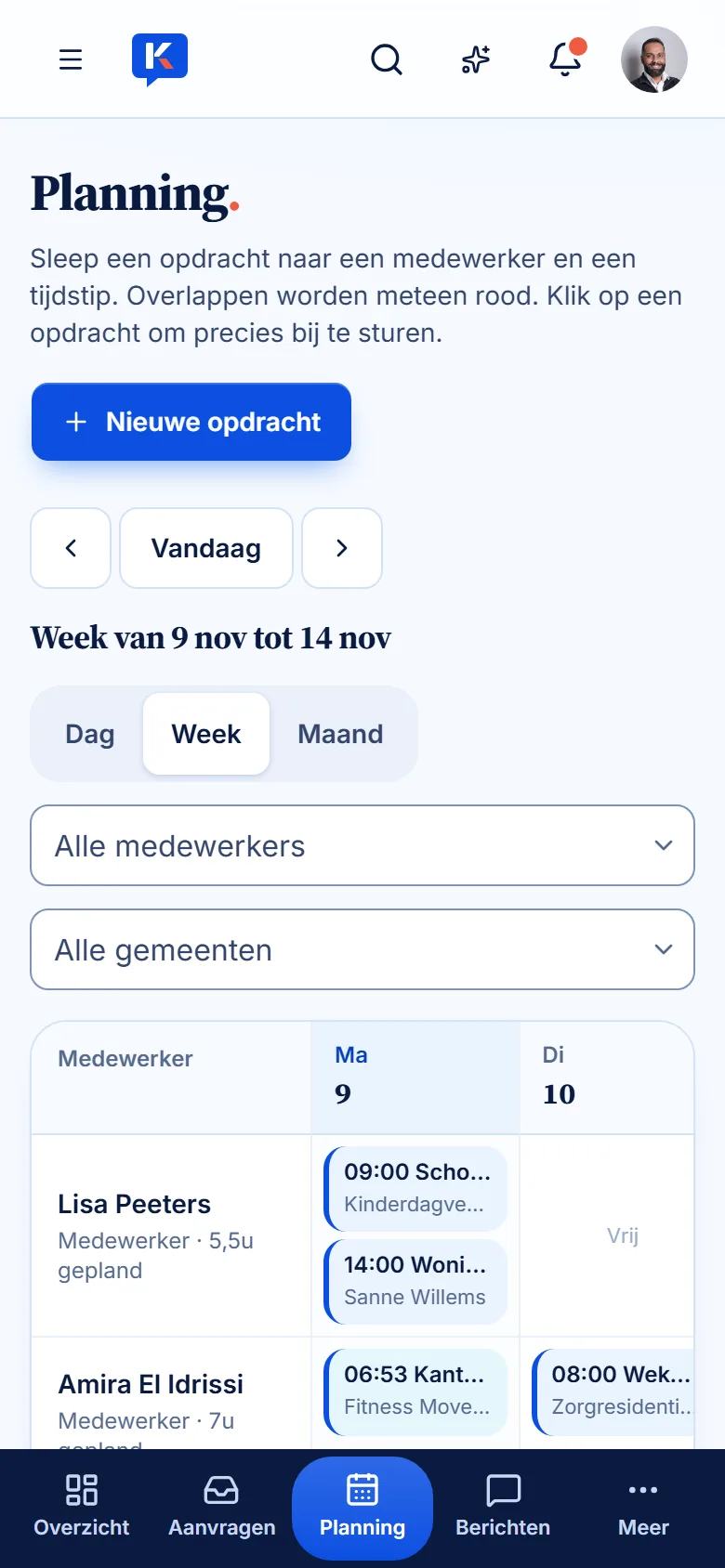
Companies that work per job
Schedule, record and invoice, whatever you do
Every job with its own price, schedule and invoice, at the customer’s home or on site. As long as you schedule work, record hours and invoice afterwards, the way of working fits.
3ways to price a quote: fixed price, per hour or per m²
- Quotes priced your way. With versions and digital approval by the customer.
- Hours without paper. Your team starts the timer on the phone, with a pause and a deviation.
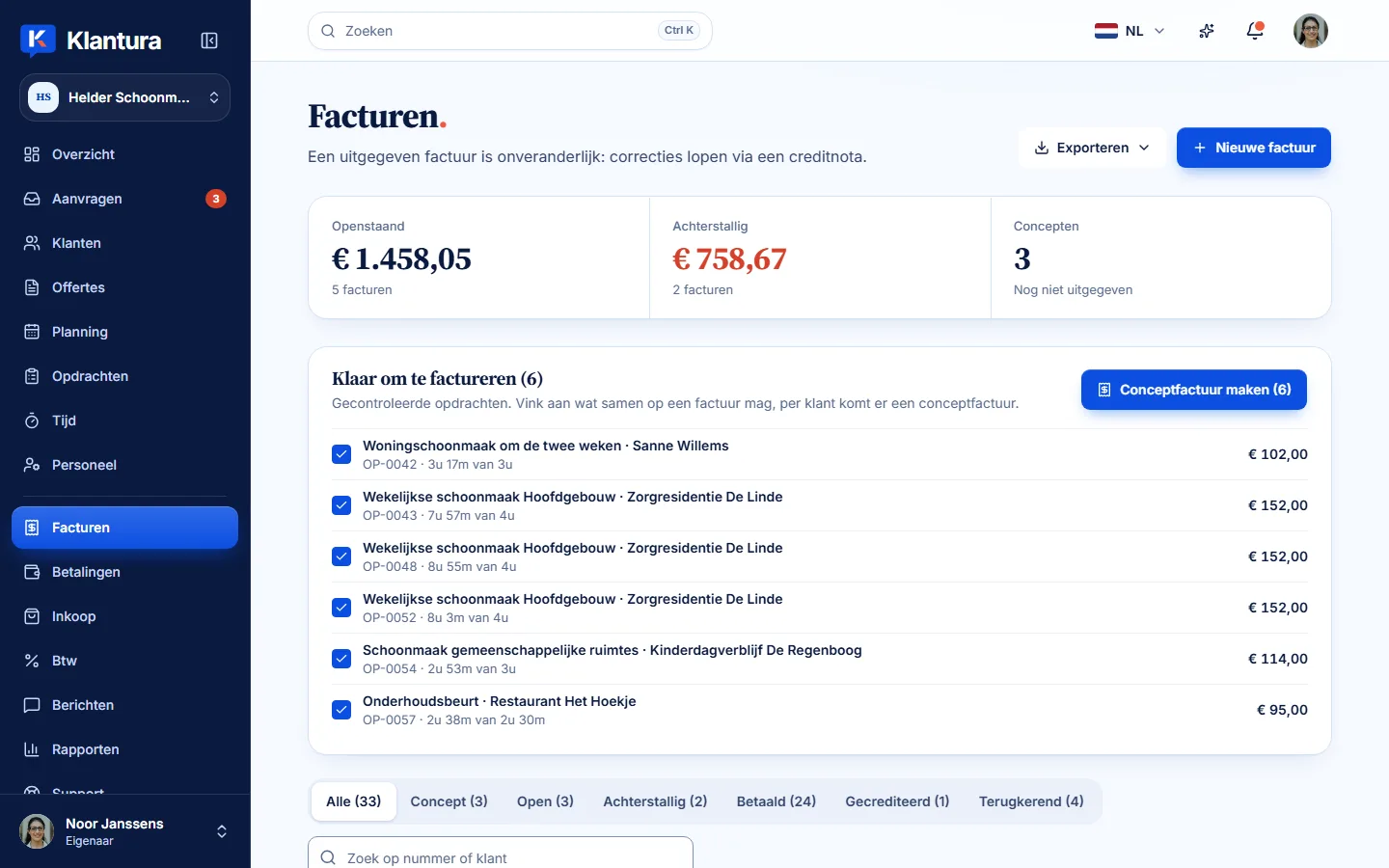
- Invoice from the job. With a payment reference (OGM in Belgium, RF in the Netherlands) and QR code, and overdue amounts in view.
Self-employed people and small teams
Start alone and grow without starting over
You start alone or with two or three people. Klantura grows with more employees and subcontractors, without starting over.
1 Marchtry it free with Essential, in your own, empty company
- One workspace. Customers, scheduling, hours and invoices in one place instead of separate files.
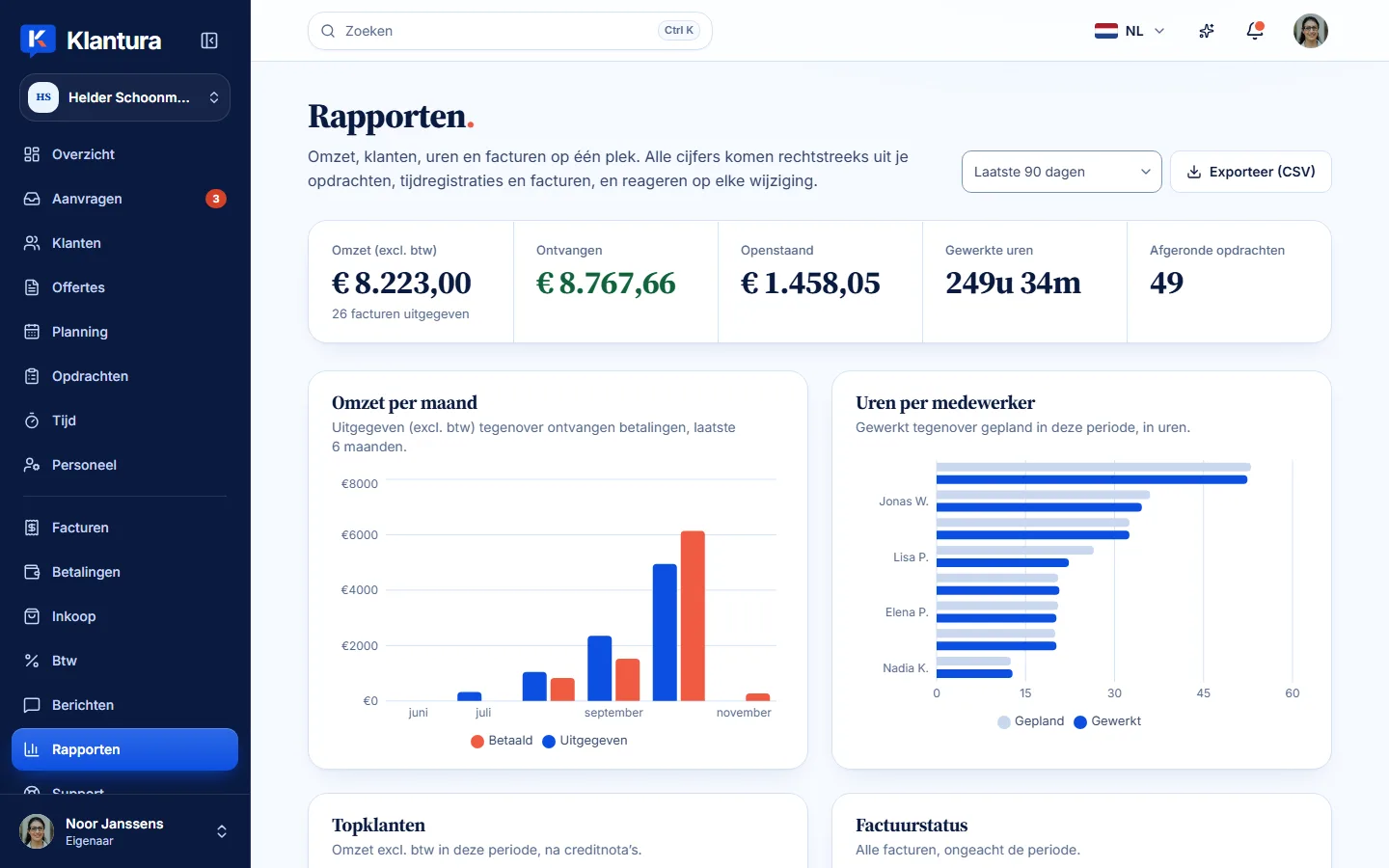
- Reports. Revenue per month, top customers and hours per employee.
- Grows with you. More employees and subcontractors, each with their own login and fixed permissions per role.

Why Klantura fits each of them
Everything in one place
From the first request to the paid invoice, without filling things in twice.
Fixed permissions per role
An employee, subcontractor or customer only gets their own data, an accountant only the money side, and a planner without financial access no amounts. The database enforces that.
Built for the road
An installable web app: your crew has the day on their phone.
Secure sign-in
Optional two-step verification and fixed permissions per role, enforced by the database.
Which people in your company see what?
Every role has fixed permissions. You invite everyone with their own e-mail address: employees, subcontractors, customers, planners and your accountant. Beforehand you can view, as an example, what a role gets to see.
Owner
Makes quotes from scratch, schedules jobs, issues invoices and views reports and settings.
Planner
Handles requests, drags jobs to employees and sees straight away where things clash.
Employee
Starts the timer, ticks off tasks, calls the right person and completes the job, on the phone.
Subcontractor
Only sees their own jobs, without prices or other people’s data.
Customer
Requests an extra visit or a quote and passes on who may be called and how to get in.
Accountant
Views all invoices and payments, records a payment and downloads the export file, without seeing the schedule and the staff page.
When Klantura is not right for you
Better to know now than after a month.
You are looking for a full accounting package or payroll. Klantura makes invoices and follows up payments, and gives your accountant an export.
You do not work at customers’ sites but from one shop or web shop of your own. Then the scheduling and the sites are of no use to you.
You already need direct connections today with Peppol or a payment provider. Those are planned, but not there yet.
You are a large company with payroll, collective agreements and links with business software, or you work on building sites with materials and site costing. Klantura is not made for that.
Does this fit the way you work?
Sign up. You try Essential free until 1 March 2027 and you set up your company yourself.