Business management for companies that work at their customers’ sites
Less admin, more time for your work.
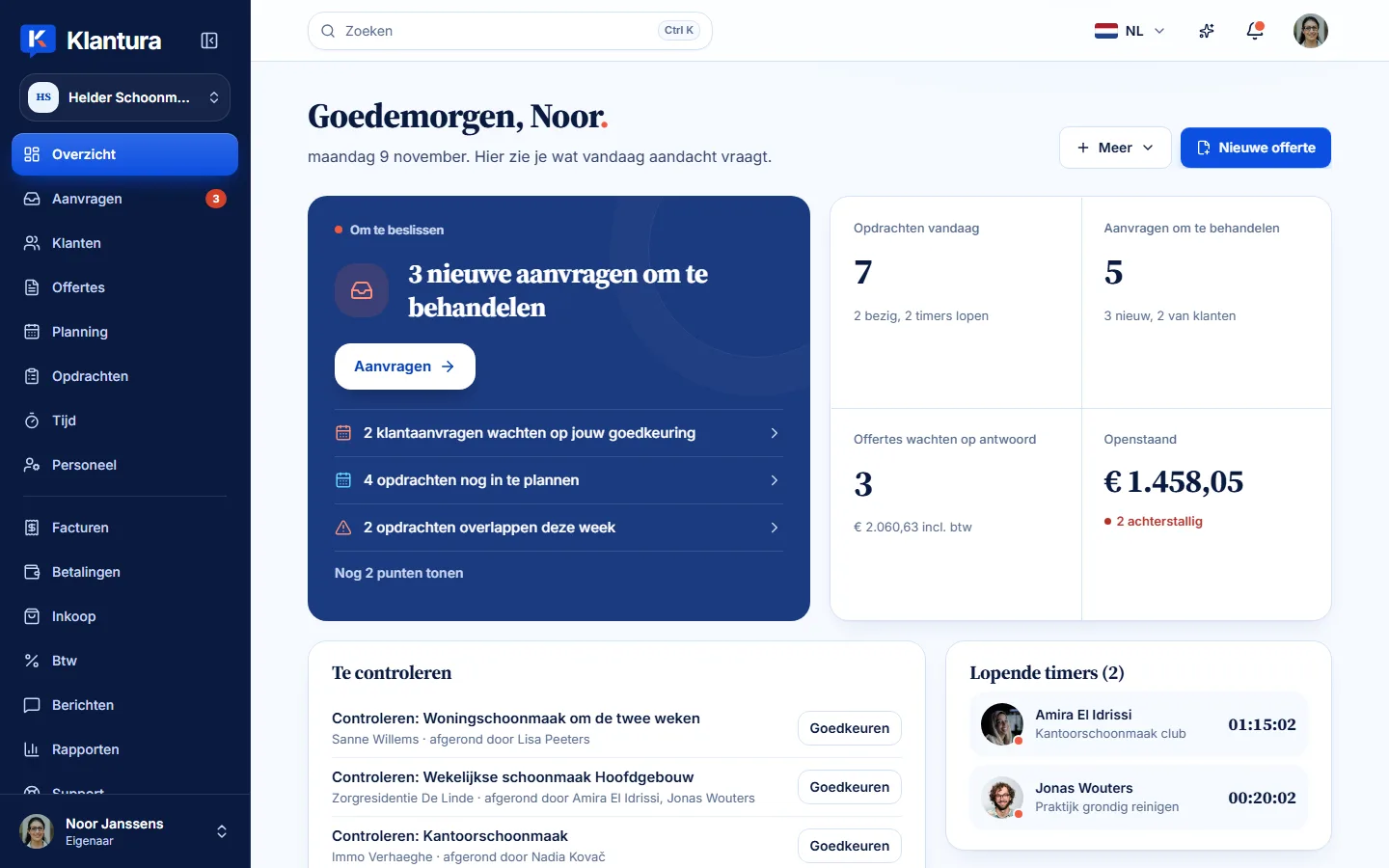
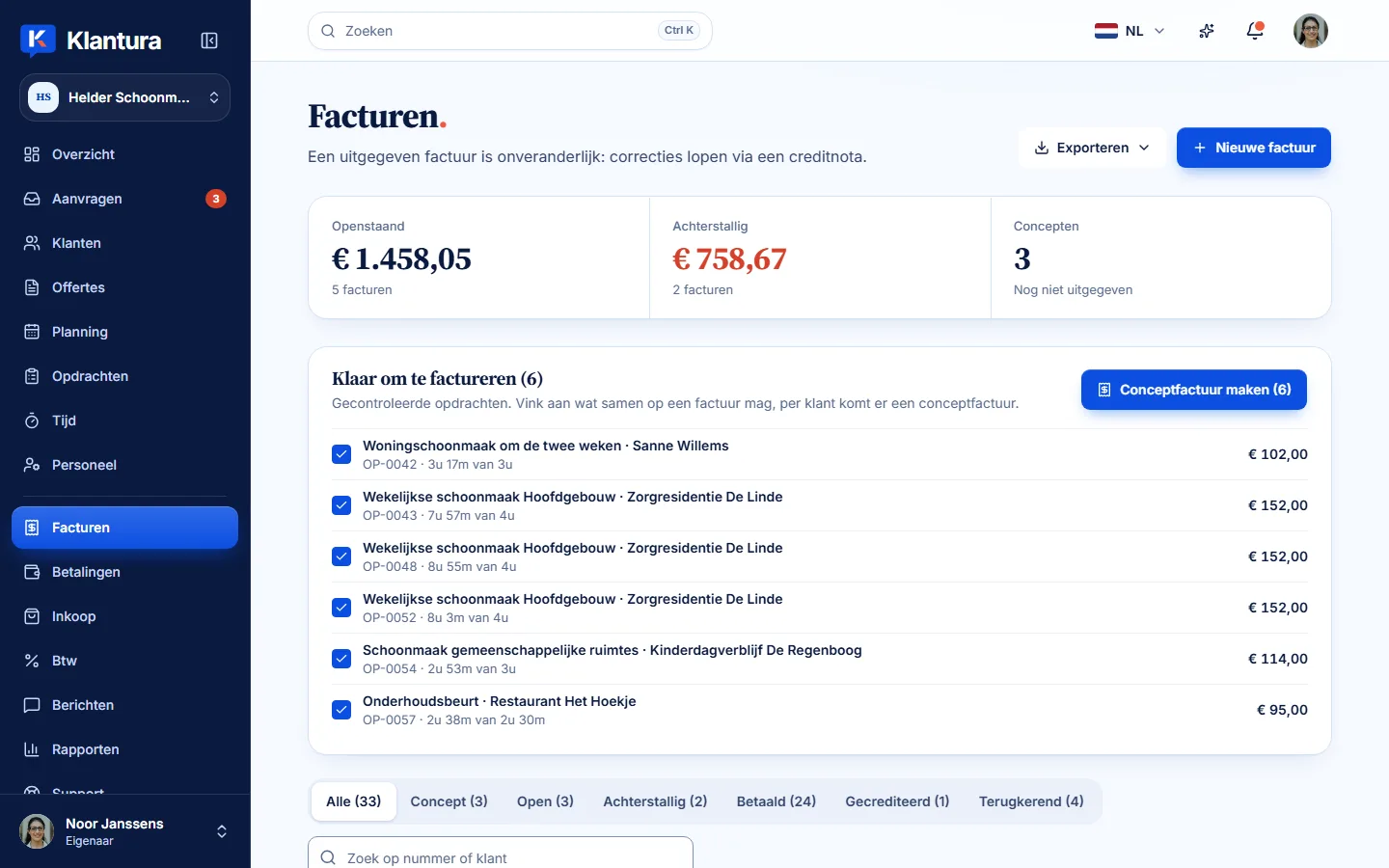
Requests, quotes, scheduling, hours, invoices and your customer portal in one place, for cleaning, window cleaning, maintenance, garden and grounds care and car washing. On computer and phone.
Klantura is for service companies that work at their customers’ sites. Pick your trade and see what a working day looks like, with what the app does for it.
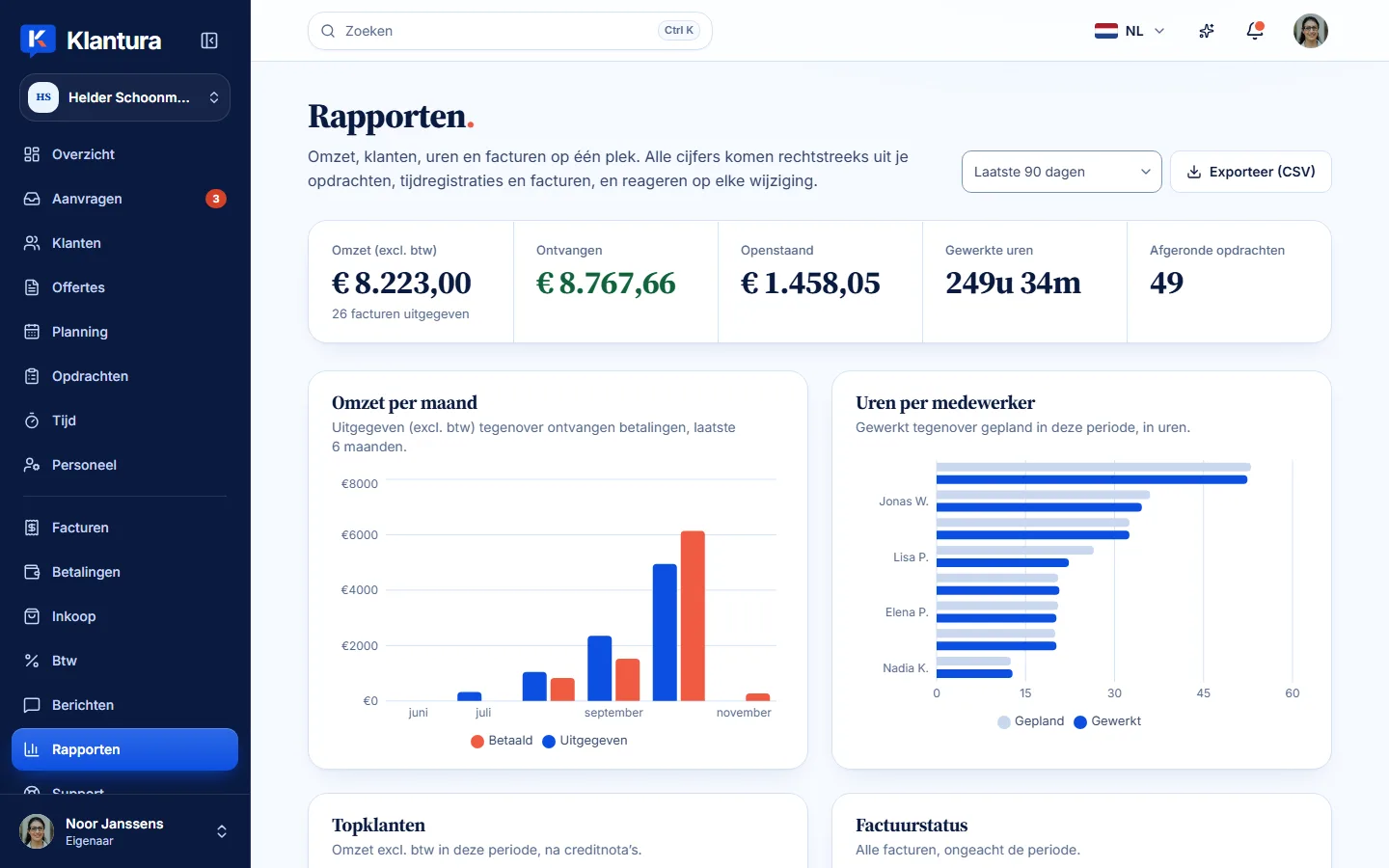
Everything a service company does every day, in one place and with the right permissions per role.
Requests and quotes
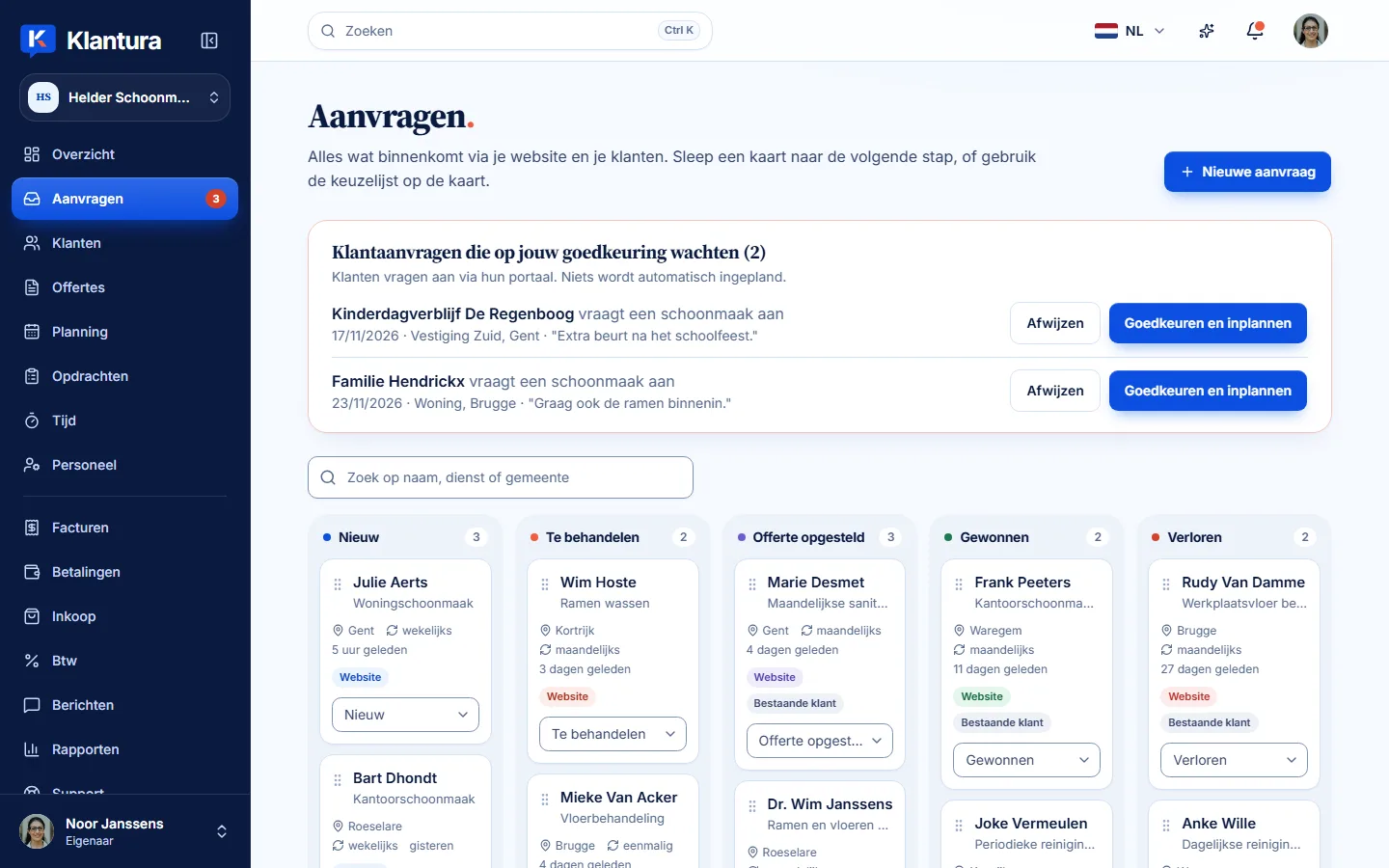
Log every request in one inbox and follow it up in columns, from new to won or lost. Turn it into a customer and a quote with one click, or start from scratch.
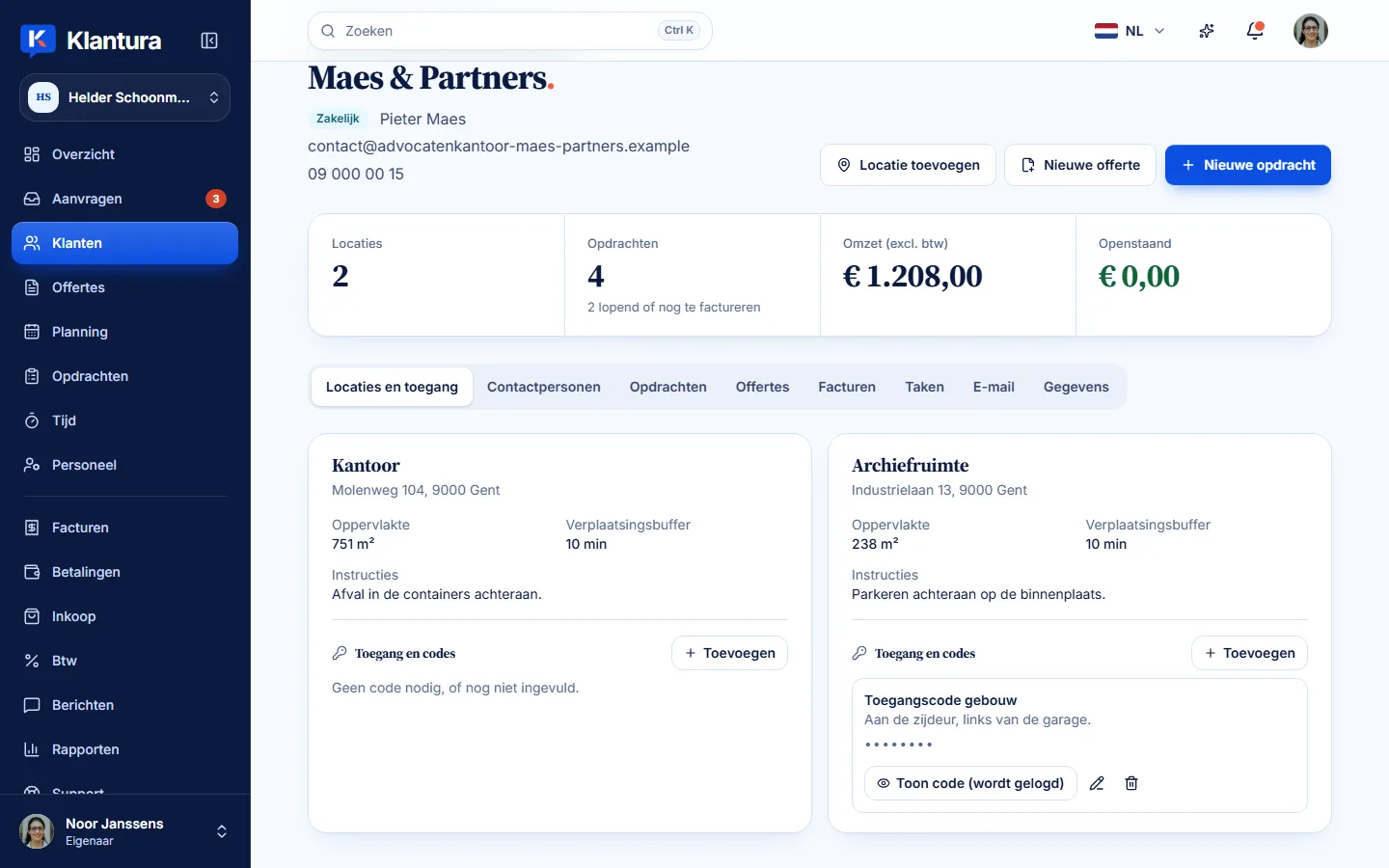
Business or private customer, with address, floor area and preferred frequency
Services at a fixed price, per hour, per m² or per visit
Versions of a quote are kept, and approval records the name and time
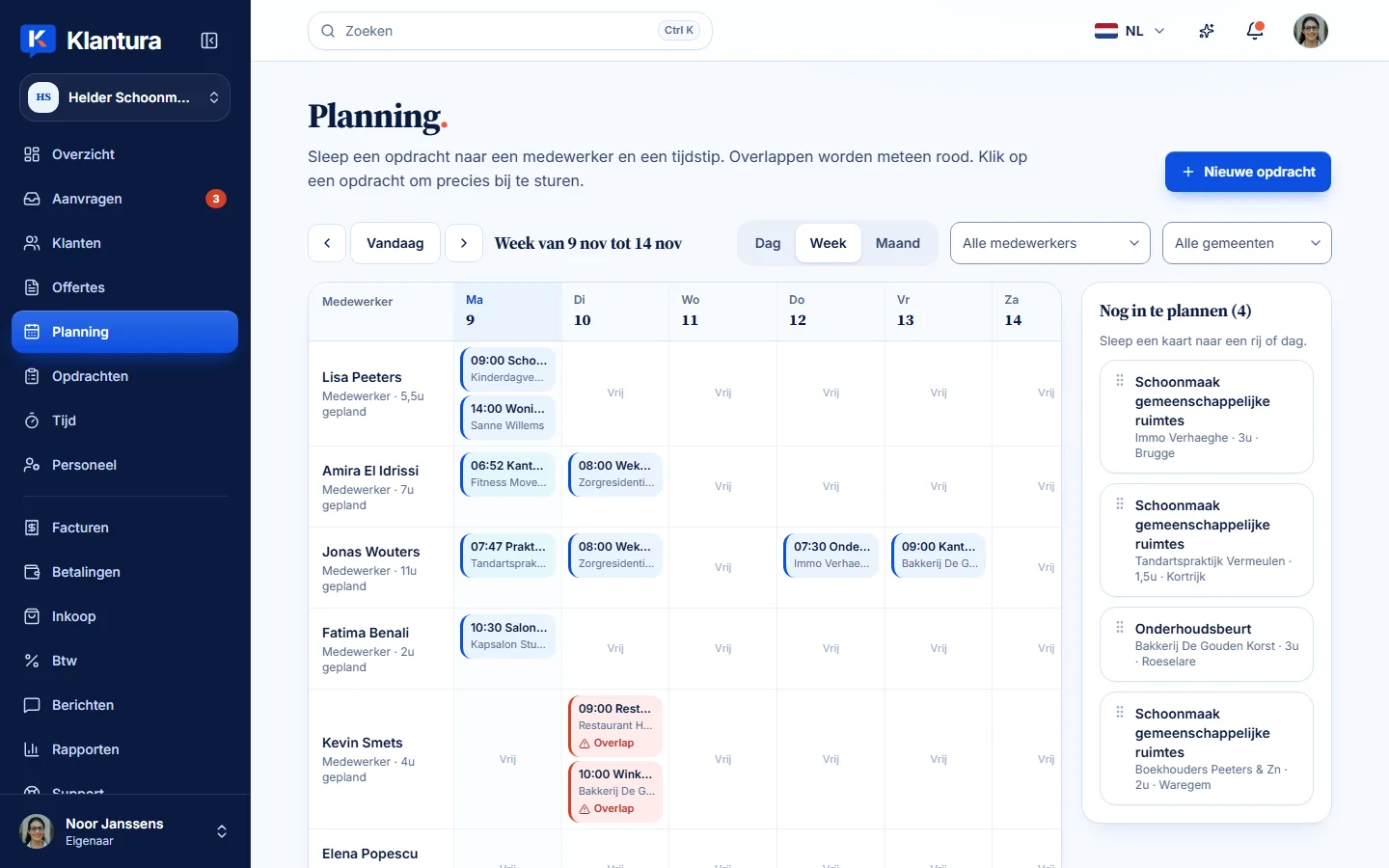
You see overlap, travel time and fixed days off straight away. Each job has everything needed to do the work in one place: address, checklist, contact person and a timer.
Day, week and month views with filters per employee and town
A recurring agreement creates the visits for the next eight weeks
Checklist, note, photos with your camera (before, after or damage; from Professional) and a deviation if something did not work out
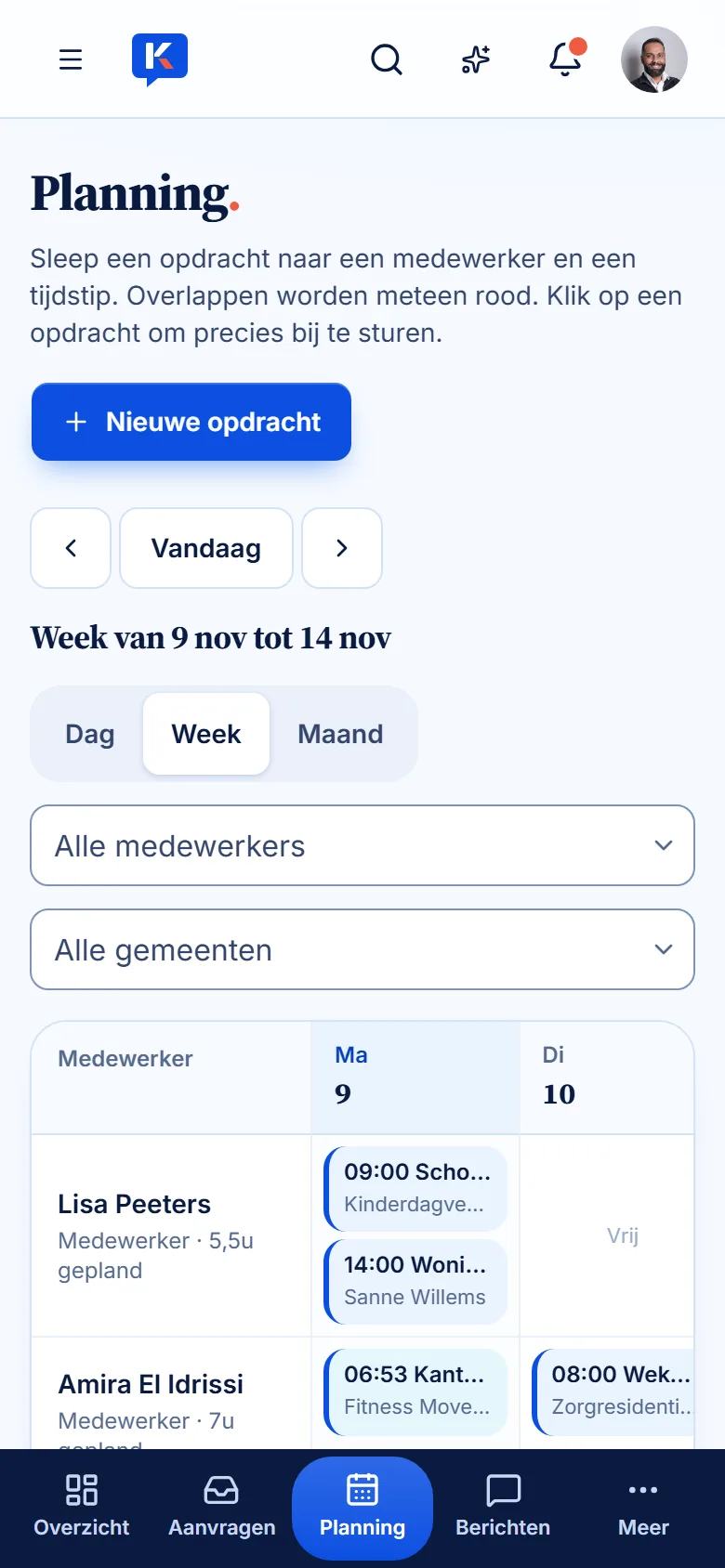
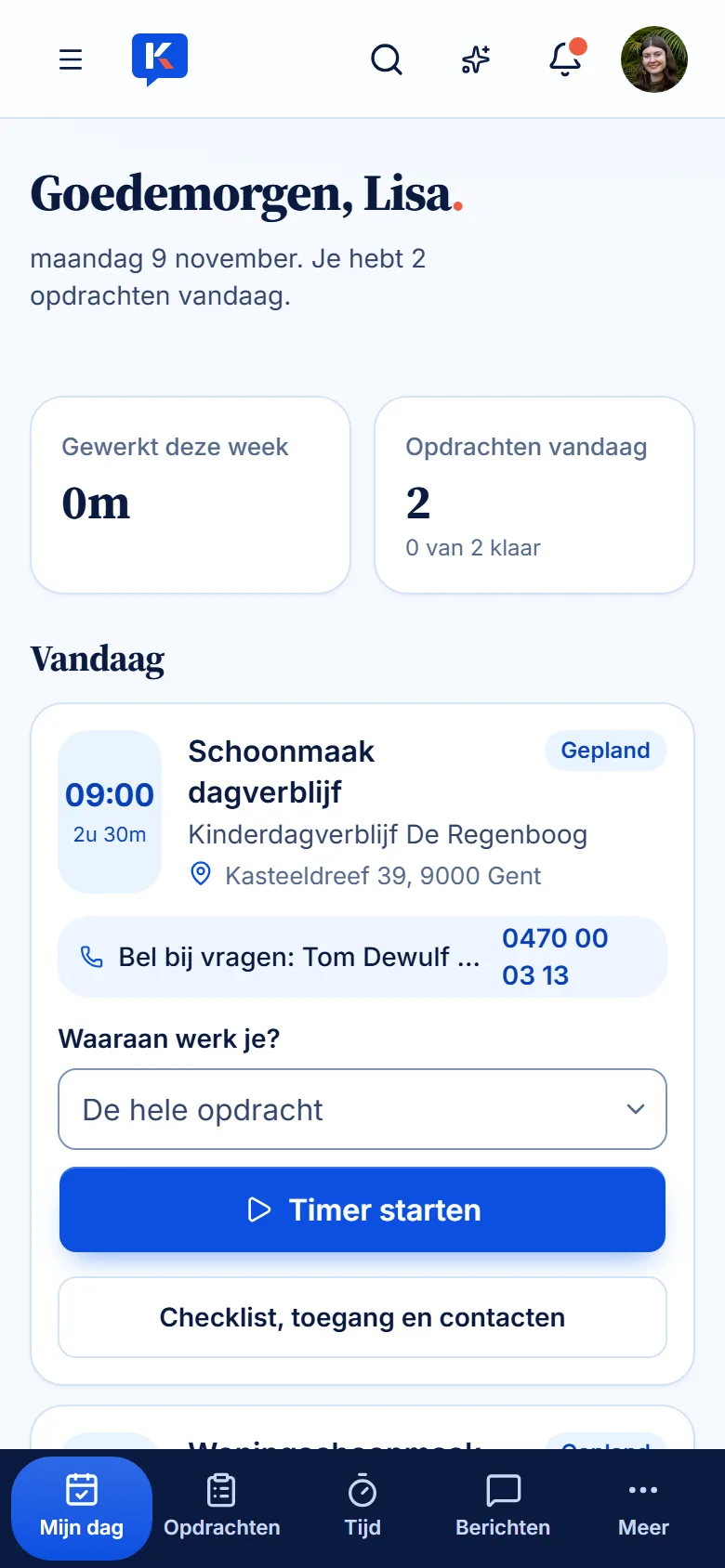
This is what an employee’s day looks like on the phone: what has to happen today, how to get in and who to call if something comes up. Your employee sees this after an invitation, with their own login.
The day overview with address, instructions and checklist per job
One tap to call the right contact person
Gate codes and key boxes hidden, visible for 30 seconds and logged
A timer with a pause and a deviation if something did not work out
Every role sees what is needed, and no more
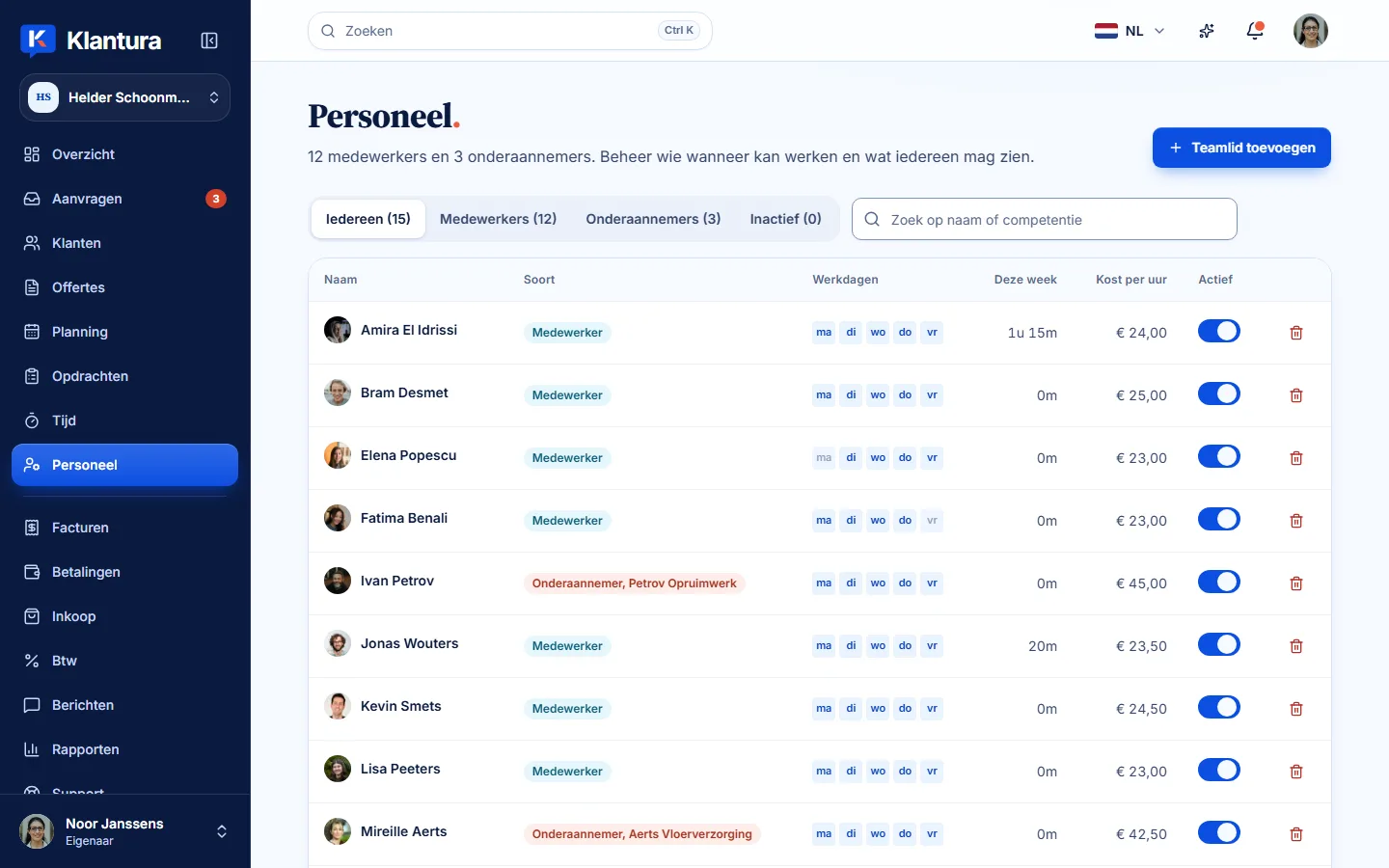
Six roles with fixed permissions, enforced by the database: a subcontractor sees no prices, an employee no invoices, an accountant only the money side and a planner without financial access no amounts. You invite your team, your customers and your accountant with their own login.
Owner
Makes quotes from scratch, schedules jobs, issues invoices and views reports and settings.
Planner
Handles requests, drags jobs to employees and sees straight away where things clash.
Employee
Starts the timer, ticks off tasks, calls the right person and completes the job, on the phone.
Subcontractor
Only sees their own jobs, without prices or other people’s data.
Customer
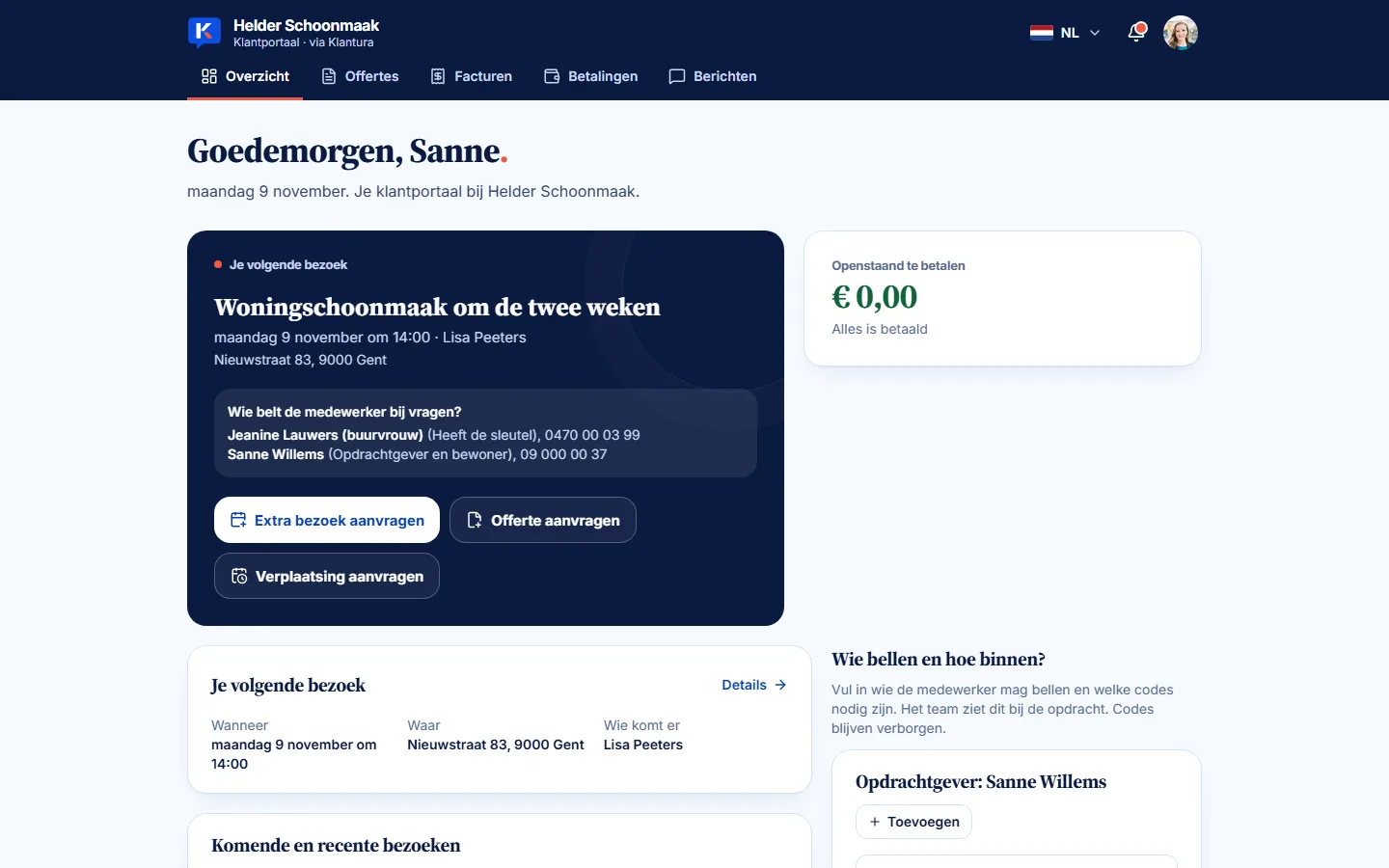
Requests an extra visit or a quote and passes on who may be called and how to get in.
Accountant
Views all invoices and payments, records a payment and downloads the export file, without seeing the schedule and the staff page.
The data of your customers and your staff is sensitive. That is why security is not in the small print but in the foundation.
Stored securely
Your data is on the server and can be found on every device.
Fixed permissions per role
An employee, subcontractor or customer only gets their own data, an accountant only the money side, and a planner without financial access no amounts. The database enforces that.
Two-step verification and log
Optionally log in with a code from your authenticator app. Every time an access code is viewed, it goes in the log.
Three plans, from €25 to €79 per month
Per company per month, excluding VAT. The limits are listed with each plan, and you can try Essential free until 1 March 2027.
Free until 1 March 2027
Essential
€25per month, excl. VAT
For self-employed people and small teams who want to get the basics in order.
For service companies that work at their customers’ sites: cleaning companies (also for holiday homes), window cleaners, maintenance and caretaker companies, garden and grounds maintenance and car washers. You handle requests, quotes, scheduling, hours, invoices and payments in one workspace. Is your sector not listed? Send us a message.
Is Klantura an accounting package?
No. Klantura is not accounting and not payroll. You do make invoices and credit notes, follow up payments and give your accountant view access and an export file.
Can I bring my customers and schedule with me?
Yes. You import customers, requests, quotes, schedule, hours, invoices, payments, staff, stock and purchase invoices from CSV, Excel, Word or PDF with text. You see a preview first and match the columns. Nothing changes until you confirm, the file stays in your browser and duplicate rows are skipped. Klantura cannot read a scanned PDF.
How do I get started?
You sign up for free at app.klantura.eu with your company details, VAT number, phone number, email address, business address and a password, and confirm your email address once with a link. We review your sign-up and email you as soon as your account is ready. Then your free trial starts. You start with an empty company. The Essential plan is free until 1 March 2027; you can sign up until that day.
Is my data safe?
Your data is in a secured database and only people with a login in your company can reach it, each with the role you give them. You can secure your account further with two-step verification. How we store and process data is described in the privacy statement.
Can my customers request things themselves?
In the customer portal, a customer requests an extra visit, a reschedule or a quote. You or your planner decide first: nothing is scheduled automatically. You invite a customer with their own login; they only see their own visits, quotes and invoices and can approve a quote. The customer changes the contact persons and access details of their own sites themselves; they can replace a code, but never see it again. A customer without their own login can also approve or decline a quote with the button in the email.
What does an employee or subcontractor see?
Only their own jobs, with address, instructions, checklist, timer and who may be called with questions. No prices, no invoices and no jobs of colleagues. The database blocks the rest. You invite them with their own login, and beforehand you can view the app as a preview of that role.
See how Klantura organises your working week
Sign up for free and try Klantura at no cost. You start with an empty company. The Essential plan is free until 1 March 2027; you can sign up until that day.